

Download the Official MJBizCon Mobile App
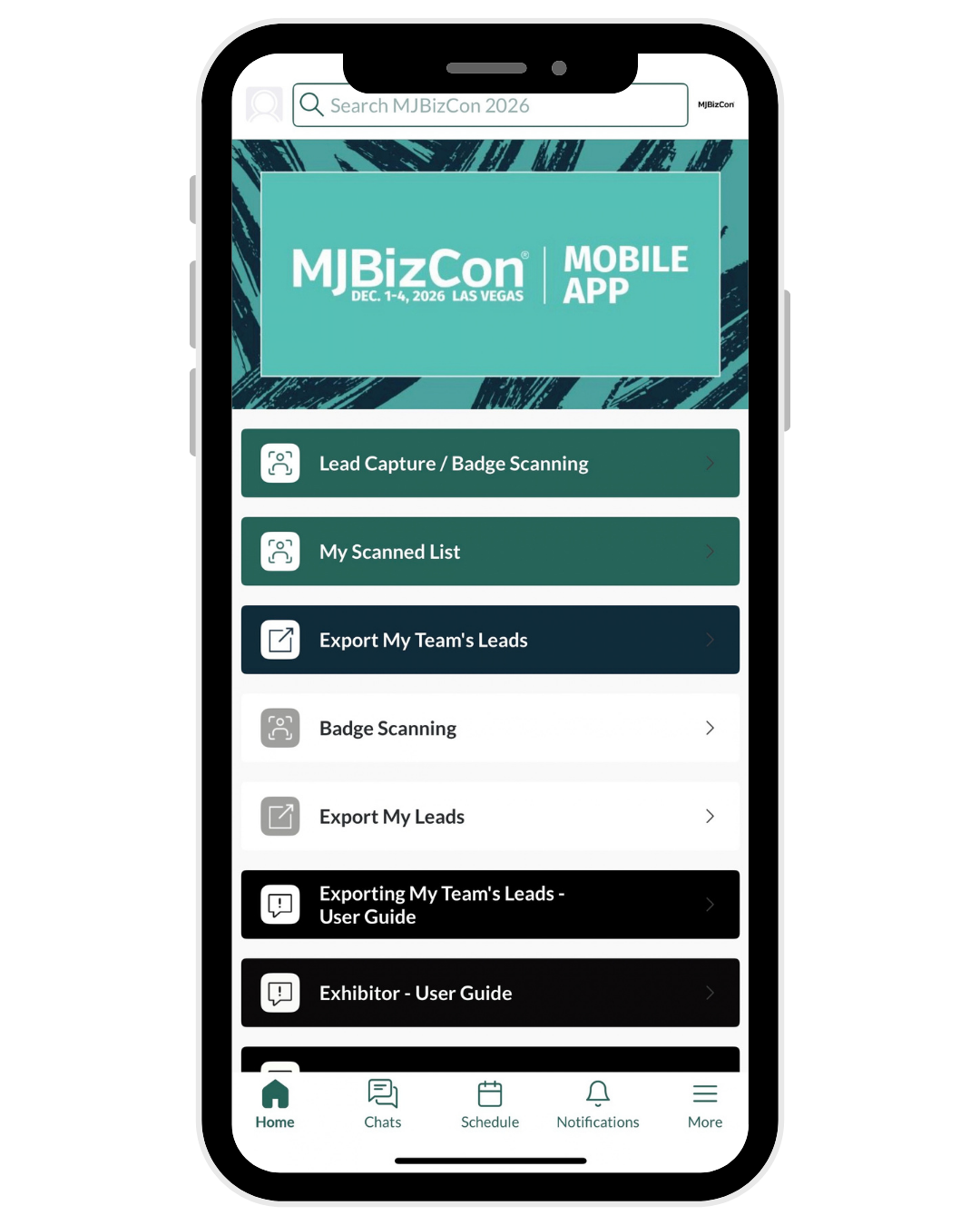
Easily Connect with Attendees & Exhibitors
Meeting your next best partnership has never been easier with the MJBizCon Mobile App!
Connect, explore, and network all at your fingertips. Explore below for helpful guides and videos.
Note: Mobile App requires at least iOS17 or Android 10 to operate on mobile devices.
*In-app notifications must be enabled to receive real-time updates. To do so, go to your phone system settings.
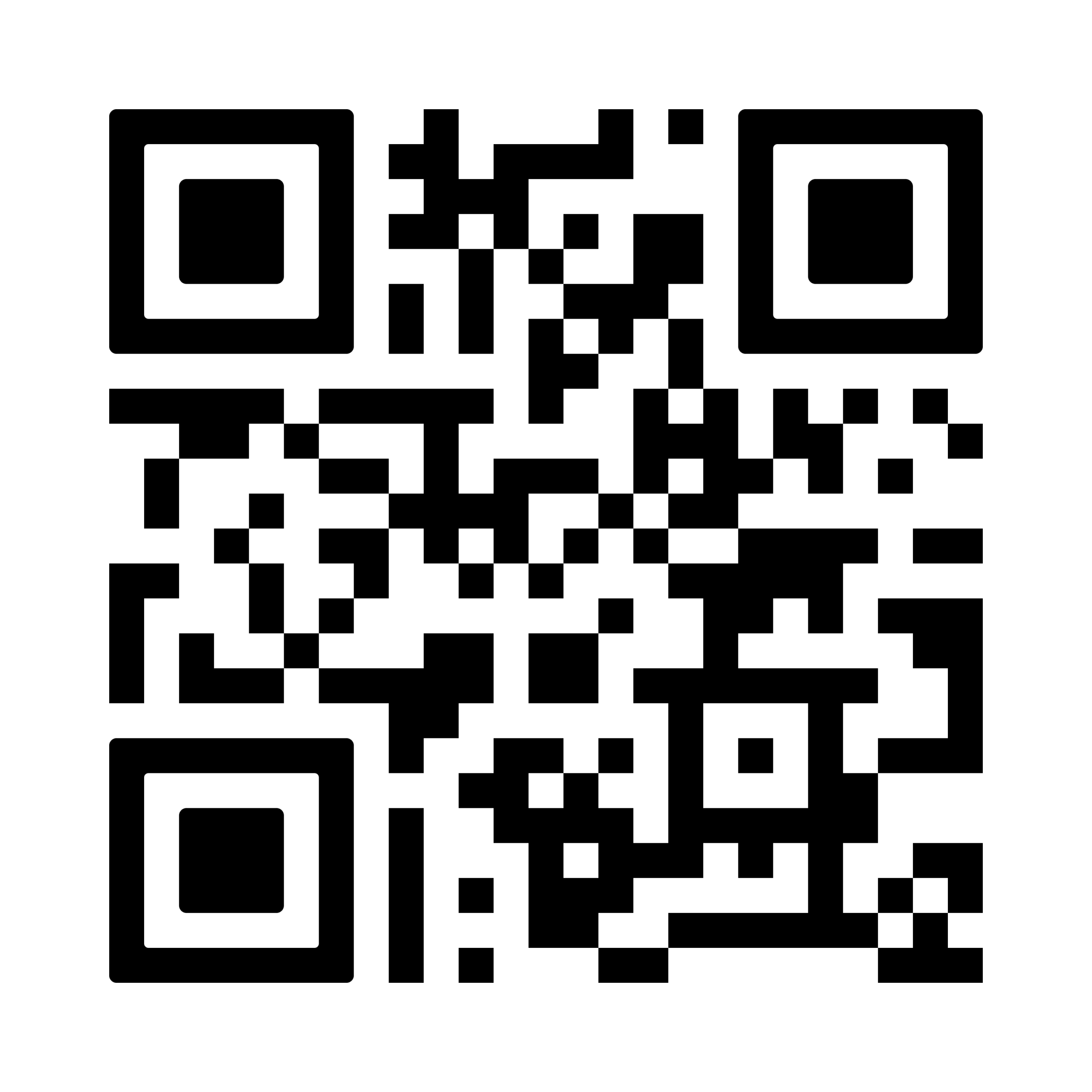
Scan the QR Code to Download
Or search MJBizCon 2026 in the App Store. Click here to download if on a mobile device.
User Login
Login using the email address used to register for MJBizCon 2026 and enter the Registration # / ID number. This number can be located in your registration confirmation email.
You will be prompted to create a new password after successfully entering your email and Registration # / ID.
Mobile App Features & Benefits
- Find the vendors with AI-powered in-app matchmaking
- Connect with other app users, request meetings, and send messages
- Explore vendors, products, show specials, and more
- Access the show floor maps to easily find exhibitors
- Get real-time show updates and view networking events*
- Built-in Lead Capture (for exhibitors and Full Access pass holders only) to grow your leads and boost your ROI. Available to every exhibitor staff member.
Lead Capture Features & Benefits
- Quickly scan attendee badges from the Mobile App to instantly capture contact information
- Multiple users at no added cost
- Scan offline. Scan anywhere. The leads will sync when you have internet connection again
- Export all your Team’s leads
ATTENDEE RESOURCES
Learn How To:
- Log in for the first time
- Fill out your user profile (The more information you provide, the better the AI-powered matchmaking is able to provide recommendations)
- Book meetings, build your schedule, and view events & happenings
- Connect with vendors or other attendees
EXHIBITOR RESOURCES
Learn How To:
- Log in for the first time
- Set your availability
- Utilize networking tools to connect and request meetings with attendees
- Manage your “Team” settings
- Manage inbound leads & export leads
APP SUPPORT
Need Assistance?
Contact GRIP mobile app customer support at [email protected]
Or visit us onsite at the Las Vegas Convention Center during show hours in The Grand Lobby near registration.